Spot The Scam
Scams and Viruses – What we’re seeing right now, and how to keep yourself safe.
(This article will be updated periodically)

Spam emails, bizarre text messages, or alarming pop-ups?
If you’ve noticed more dodgy emails, bizarre text messages, or alarming pop-ups on your screen lately, you aren’t alone. Modern cyber scams have evolved far beyond poorly written letters from distant royalty!
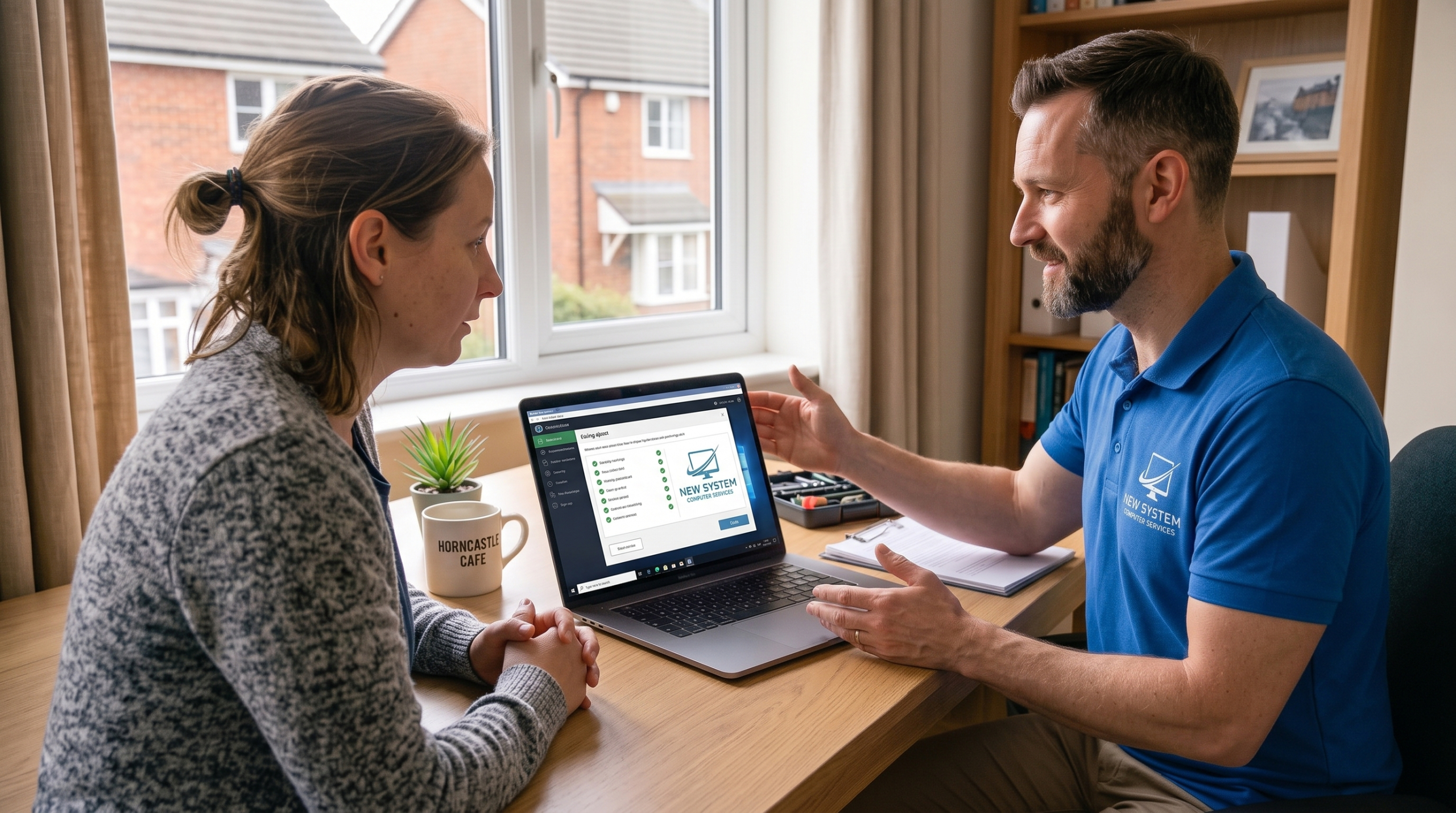
At New System Computers – We can assist with preventing and tackling sophisticated scams targeting both home users and local businesses. Fraudsters have largely moved past obvious spam emails. Modern scams often include convincing branding, realistic looking invoices, and clever psychological tricks designed to make you act before you think.
How to spot a scam, the red flags, and what to do if you suspect you have been caught out.
Most scams aren’t actually that technical. Scammers want to trigger panic, curiosity, or urgency so you react before you have time to think.
Look out for these telltale signs:
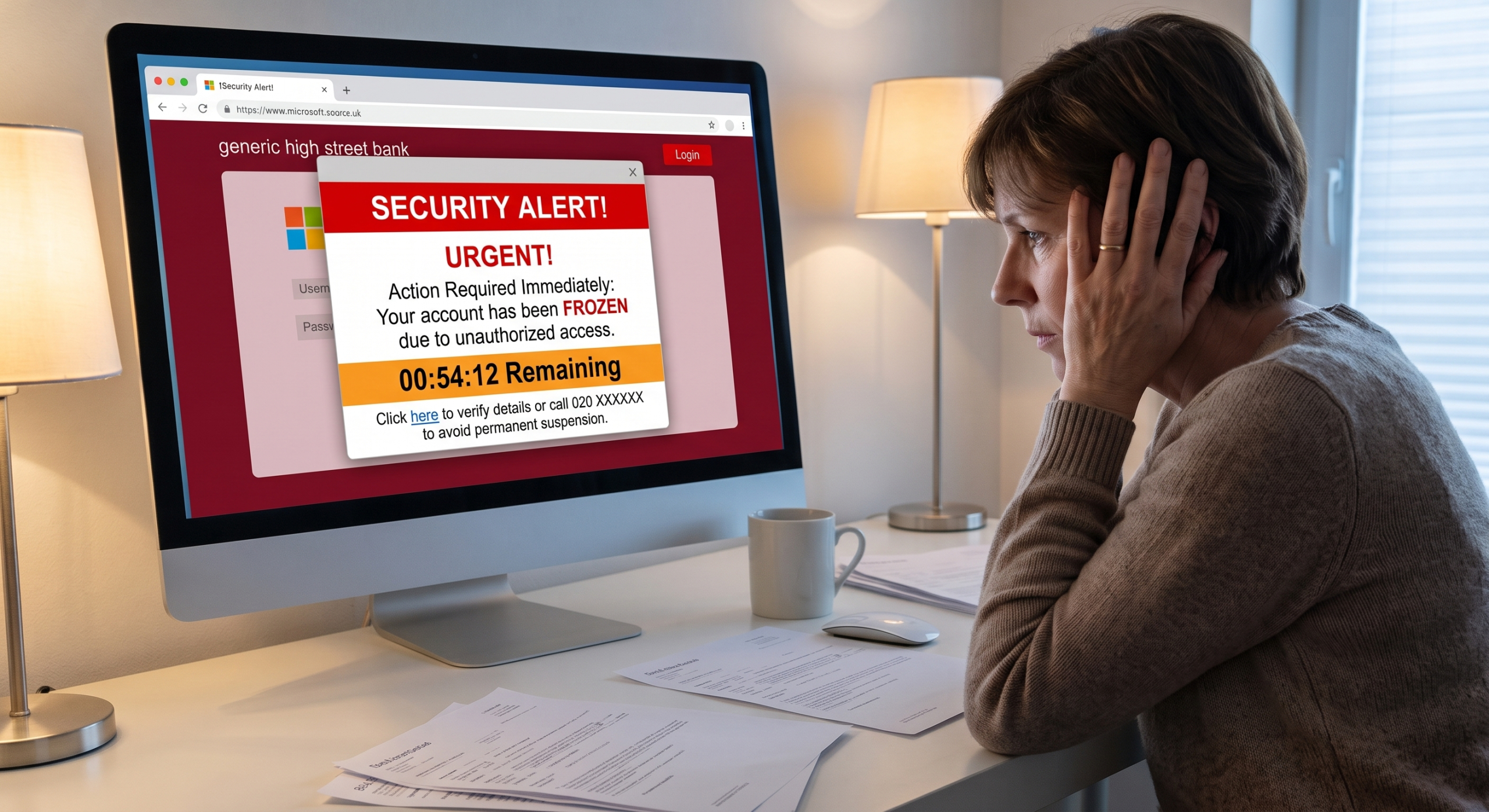
Manufactured Urgency: Demands that you act within minutes or hours – claiming your bank account is frozen, an invoice is past due, or legal action is pending.
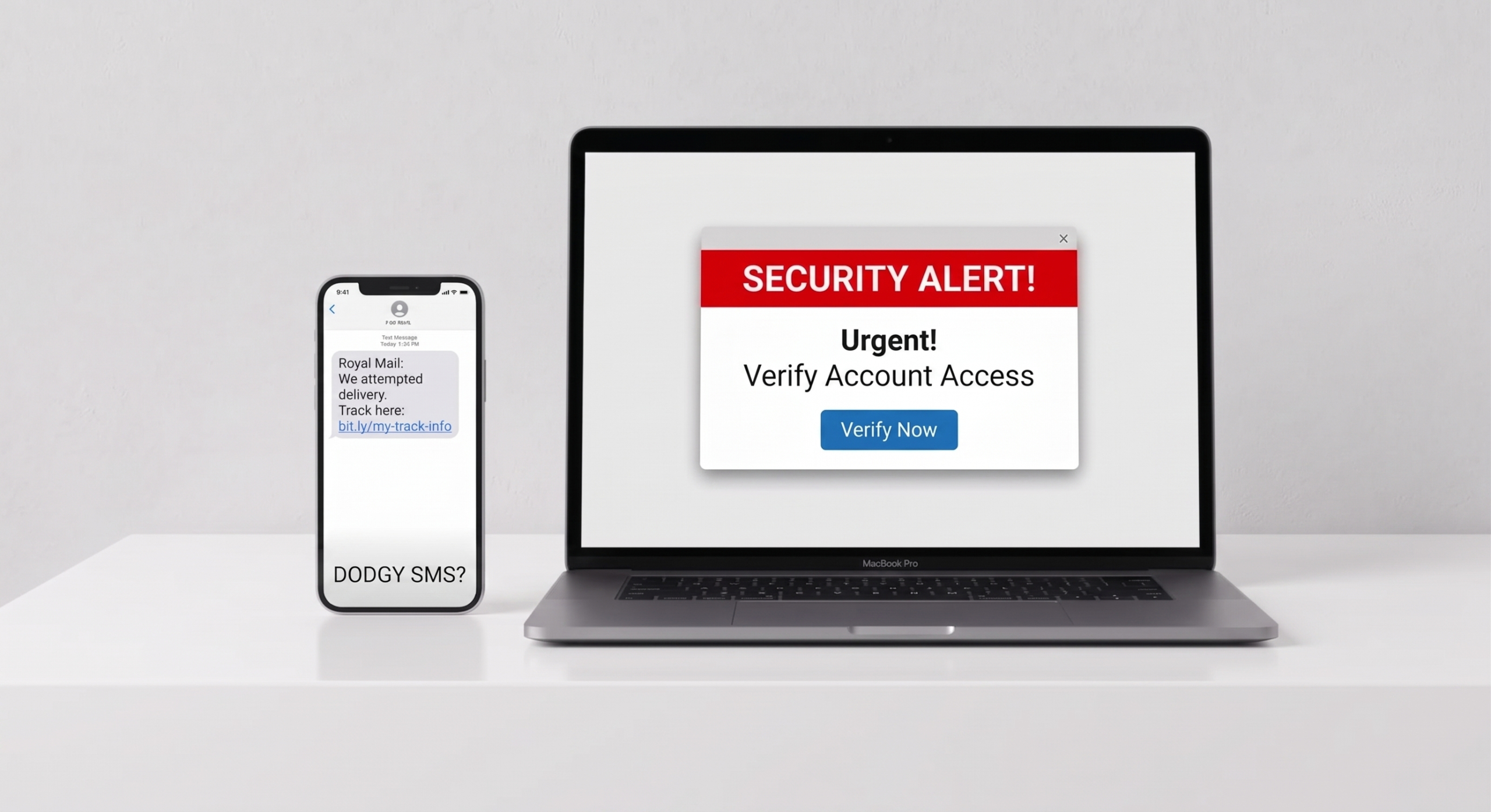
Mismatched Addresses: The sender name might say “Microsoft” or “Royal Mail,” but looking at the actual email address reveals a string of random characters or an unrelated domain.
Odd Attachments or Links: Invoices sent as .zip files, .html downloads, or links that lead to generic login pages instead of the official website.
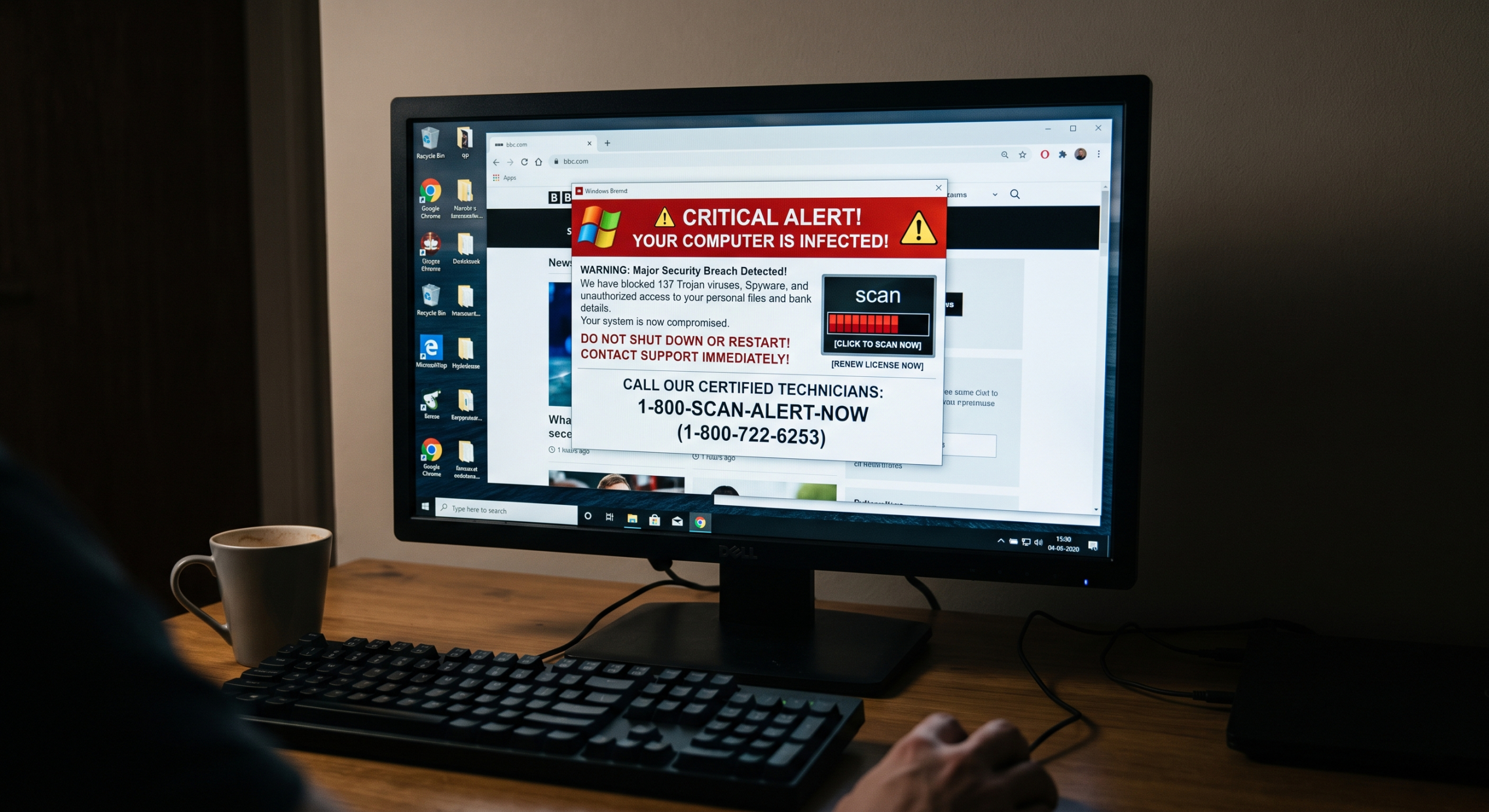
Unsolicited Technical Help: Any sudden pop-up warning with an 0800 number, or an unexpected call from someone claiming to be your broadband provider or bank asking to connect to your computer.
Think You’ve Been Scammed?
1. Cut The Connection
Instantly unplug your Ethernet cable or switch off your computer’s Wi-Fi. If someone is remotely connected or malware is downloading, this stops it completely.

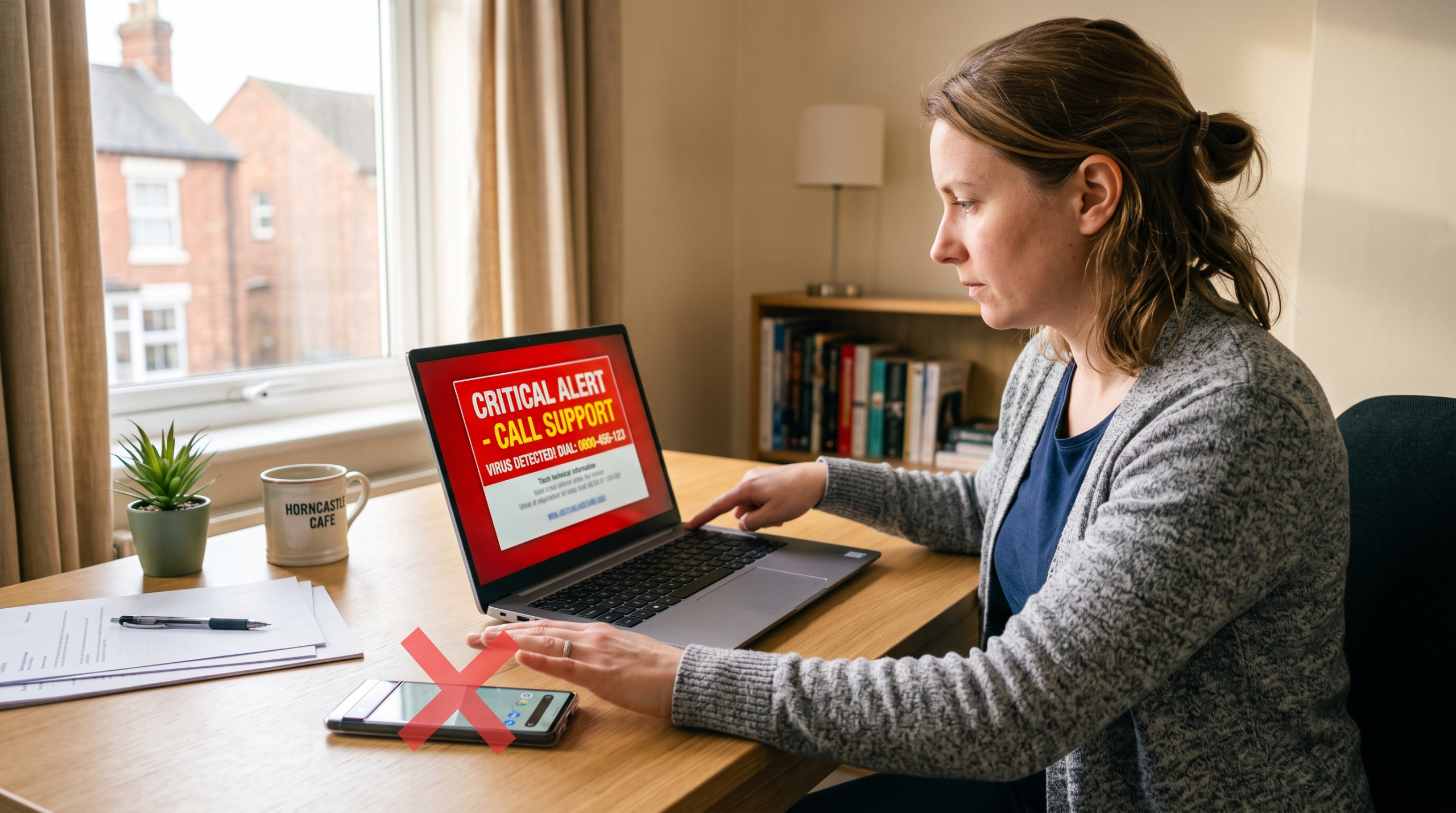
2. Never Call The Screen Number
If your browser is locked with a blaring alert and a phone number, do not dial it. Force-close your browser using Task Manager (Ctrl + Shift + Esc) or restart the machine by pressing the power button.
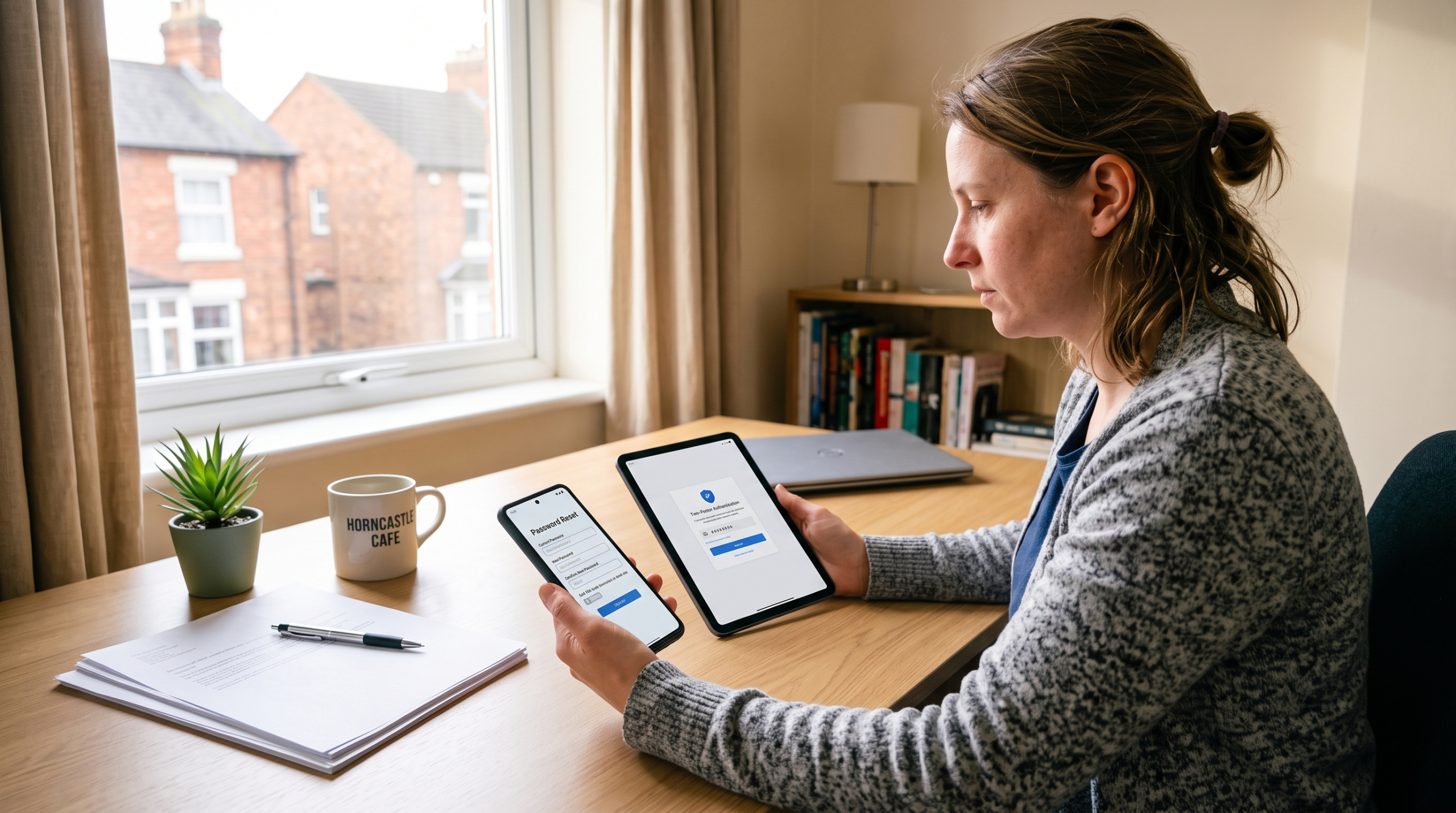
3. Change Key Passwords (From Another Device)
Use a separate phone, tablet, or clean PC to change passwords for your primary email, banking, and critical accounts. Enable Two-Factor Authentication (2FA) if you can, because this increases security, but that isn’t a required step.
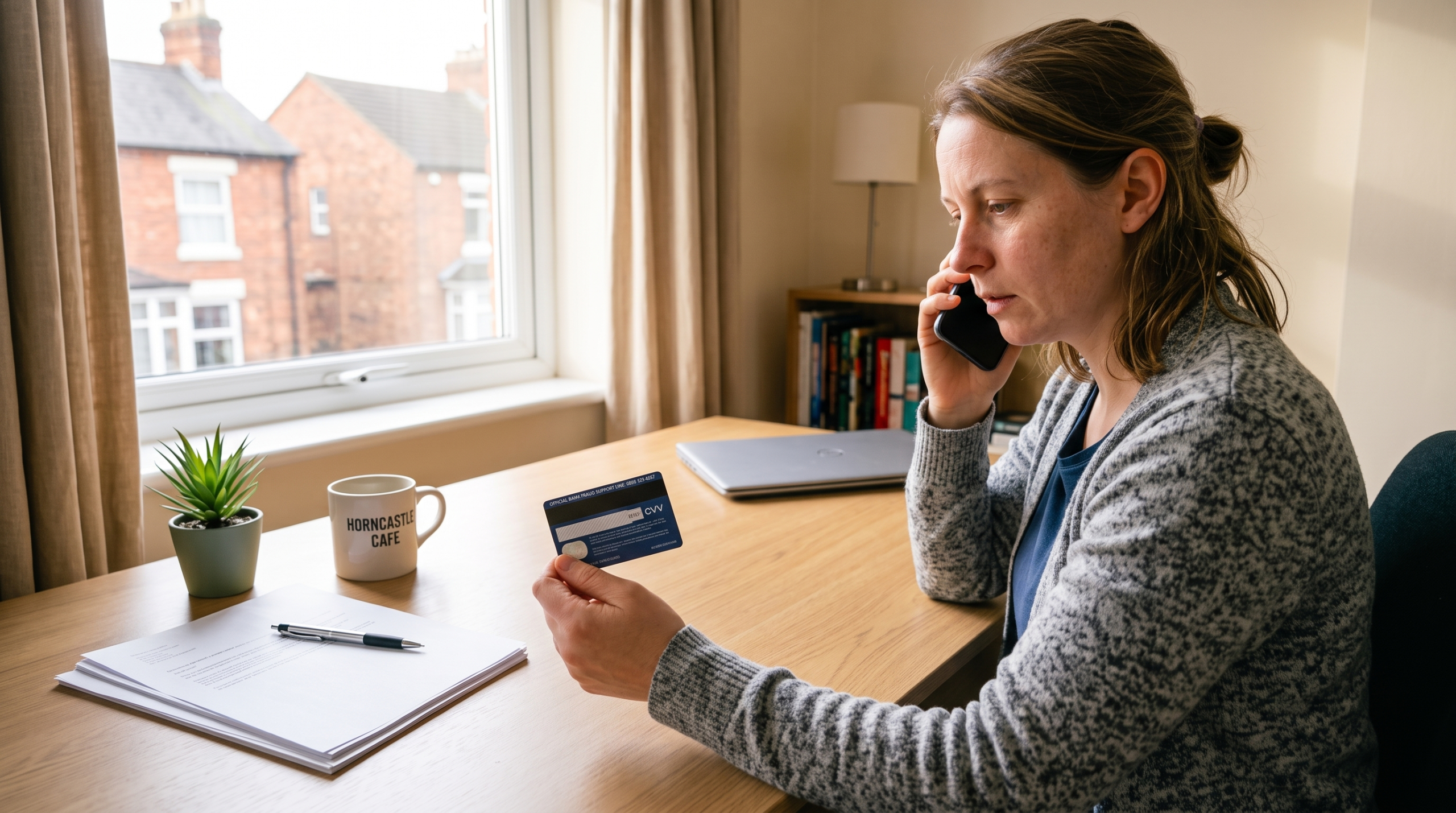
4. Alert Your Bank
If financial details or personal identity info were submitted, contact your bank’s fraud team straight away using the number on the back of your card.
5. Give Us A Call To Get The Machine Checked
Malicious software can leave hidden background processes running, including software that allows scammers to see your screen, access your webcam, and record what you type. We’ll complete a deep scan of your device to remove any threats whilst working to preserve your personal data.